




04-04-2026, 05:40 PM
Hi,
I received the KC868-A16v3; wired as documentation, powered it on, flashered it with latest firmware, changed the USB cable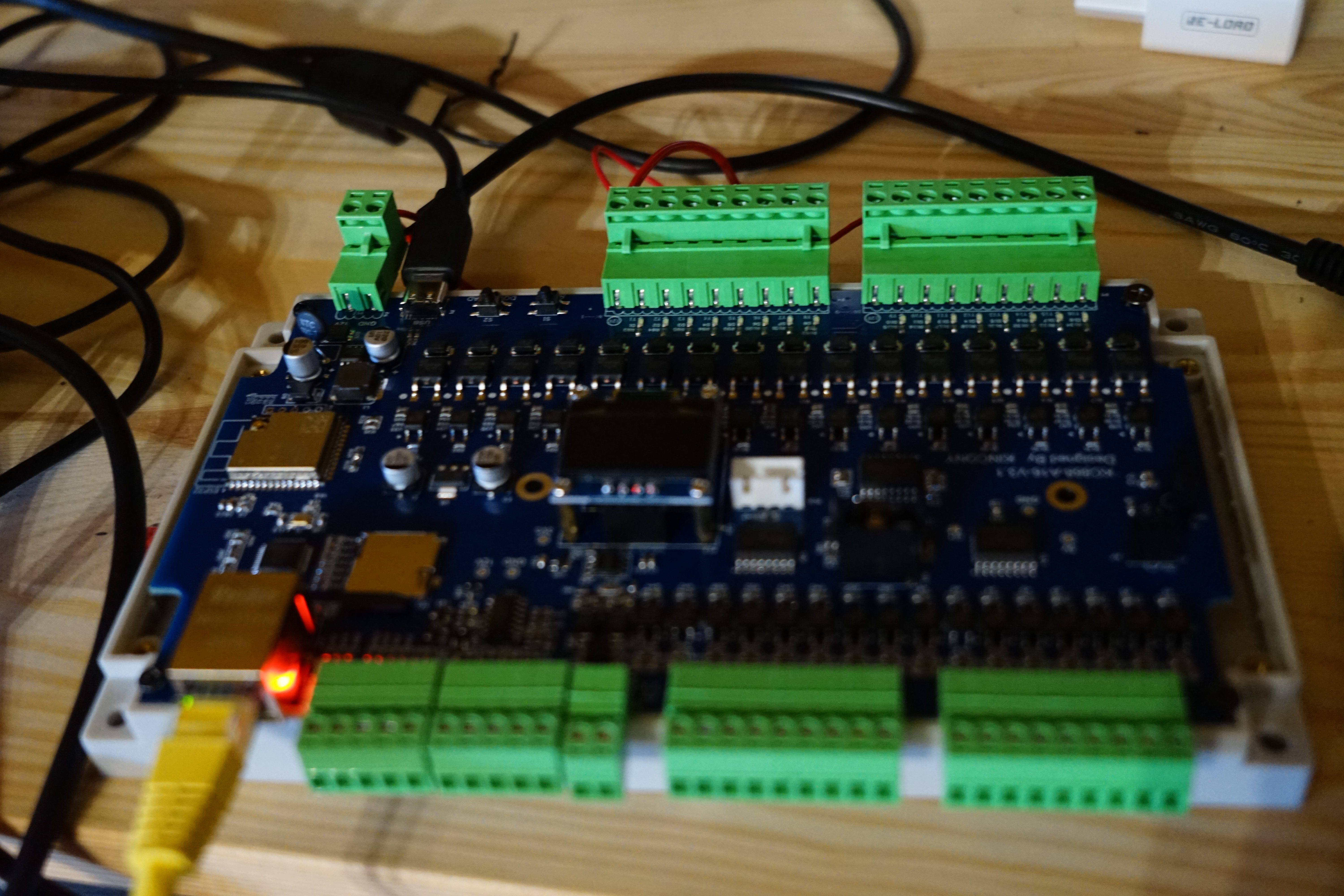
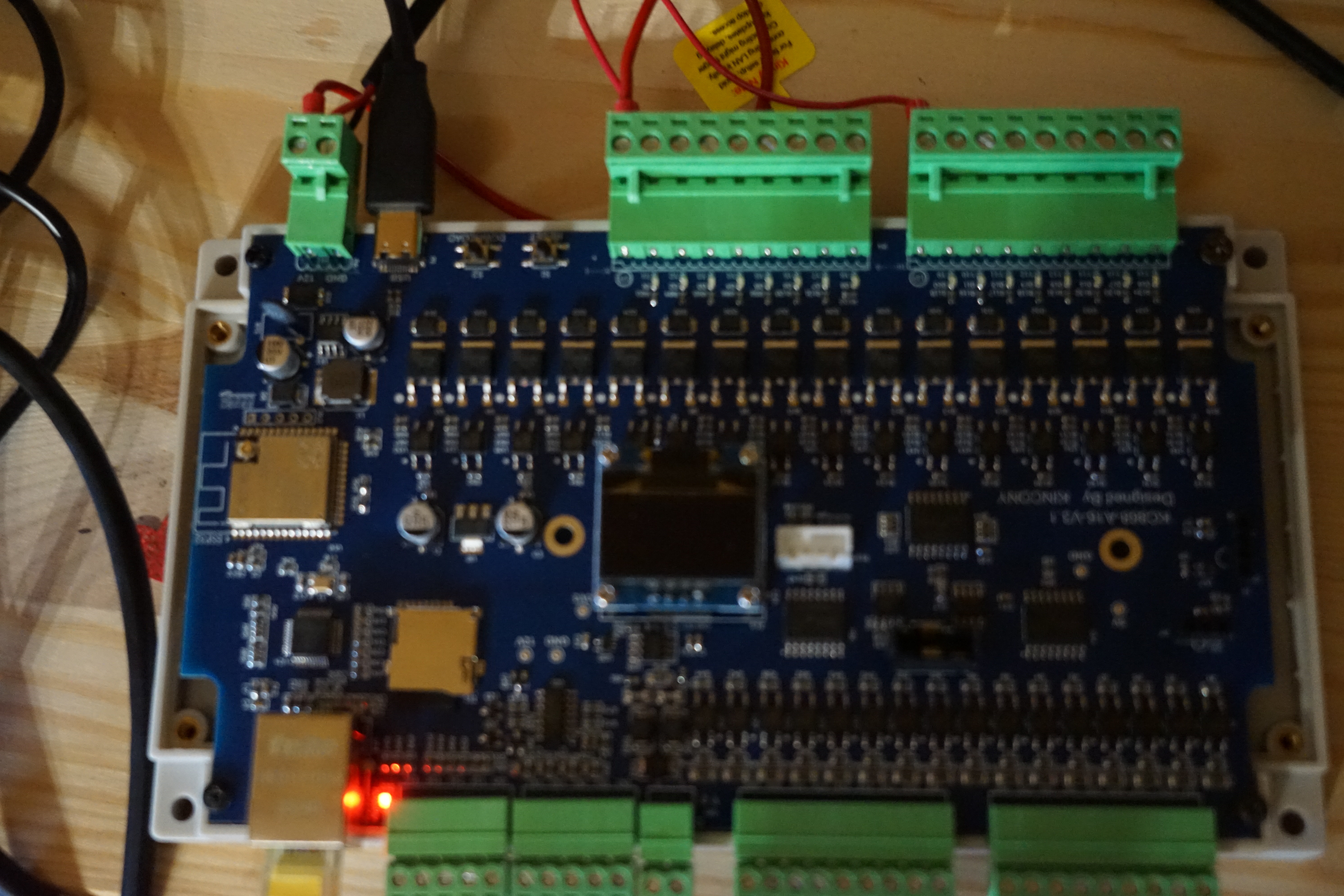
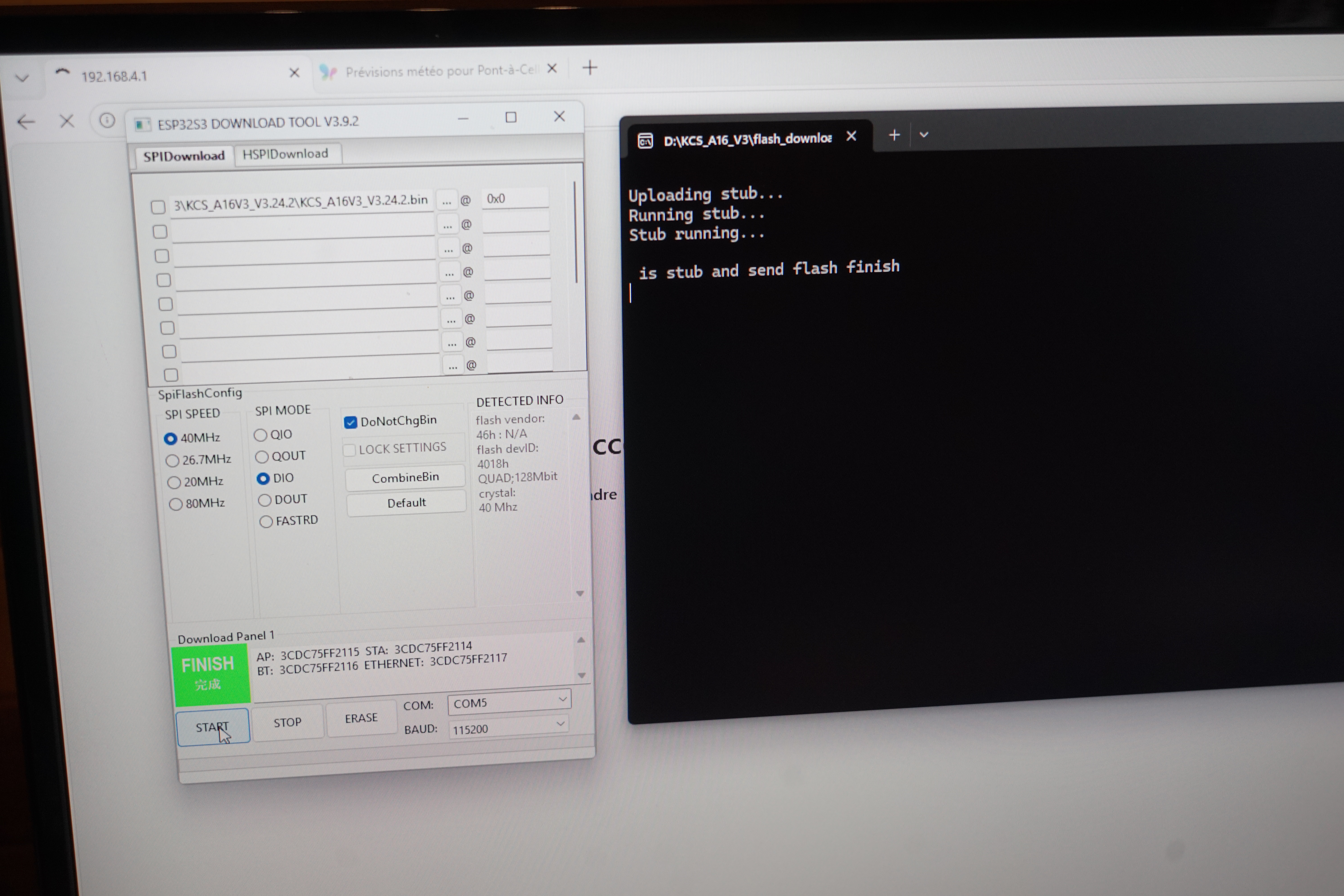
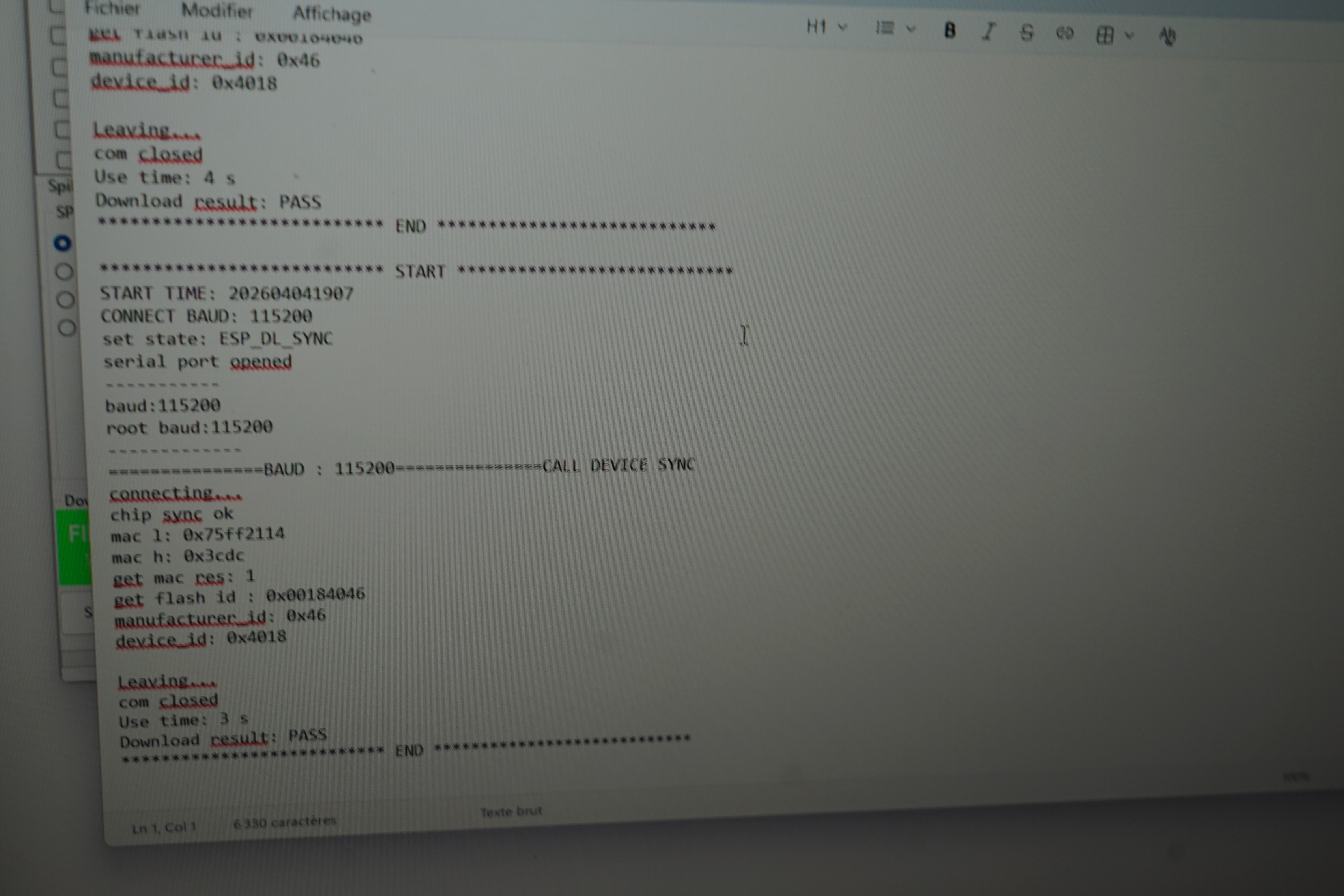
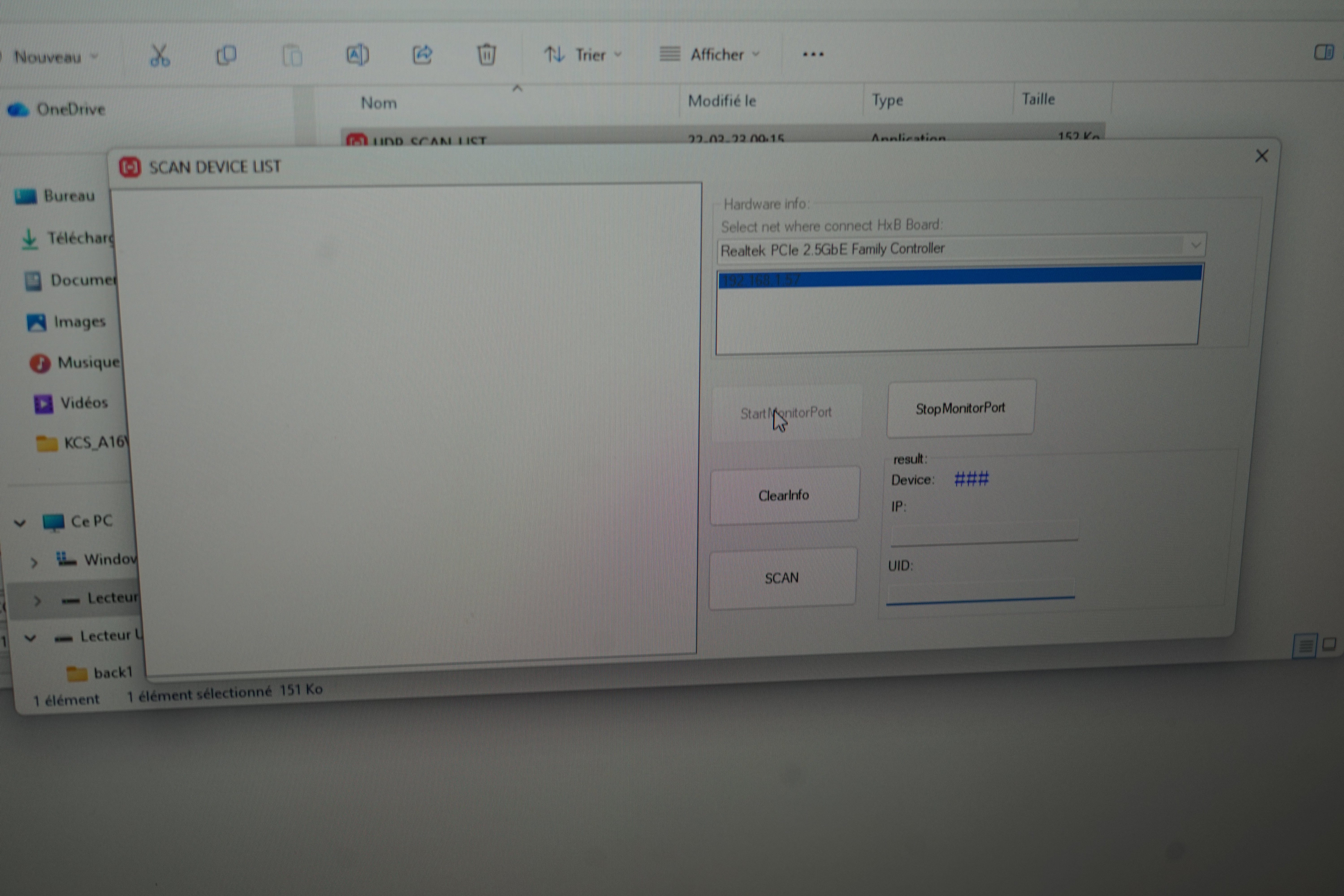 ... but it's not working : only a red led is lighting, no ethernet connection setting (green light on the board, orange light on the router). I've tried with another usb cable, pressing buttons reset/rebootable during power it on... Still impossible to connect. I've tried with Putty and serial communication with the USD cable; without success...
Any idea is welcome.
I received the KC868-A16v3; wired as documentation, powered it on, flashered it with latest firmware, changed the USB cable
Any idea is welcome.
![[Image: esp32-download-firmware.png]](https://www.kincony.com/images/user-guide/KCS_V3/esp32-download-firmware.png)
 .
.