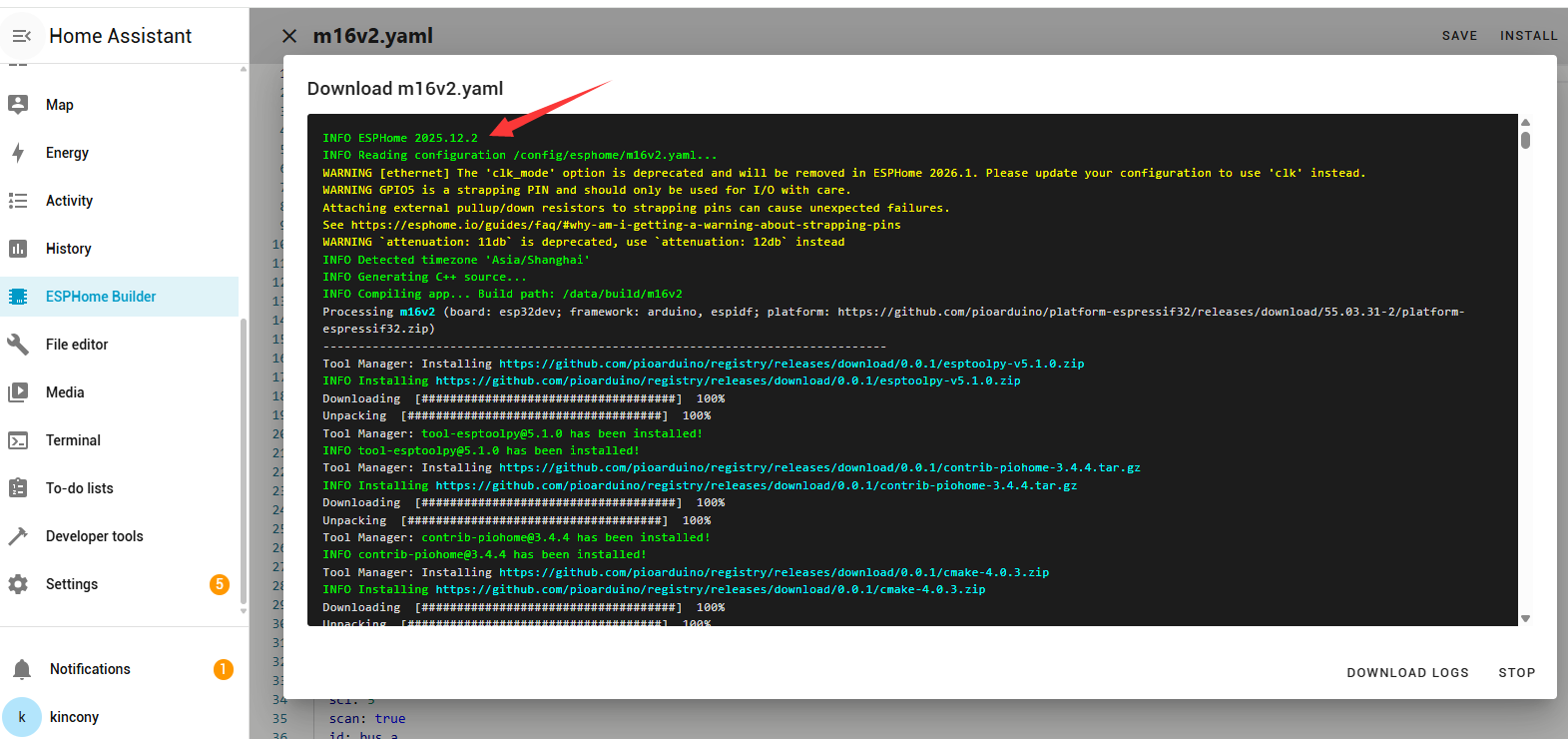
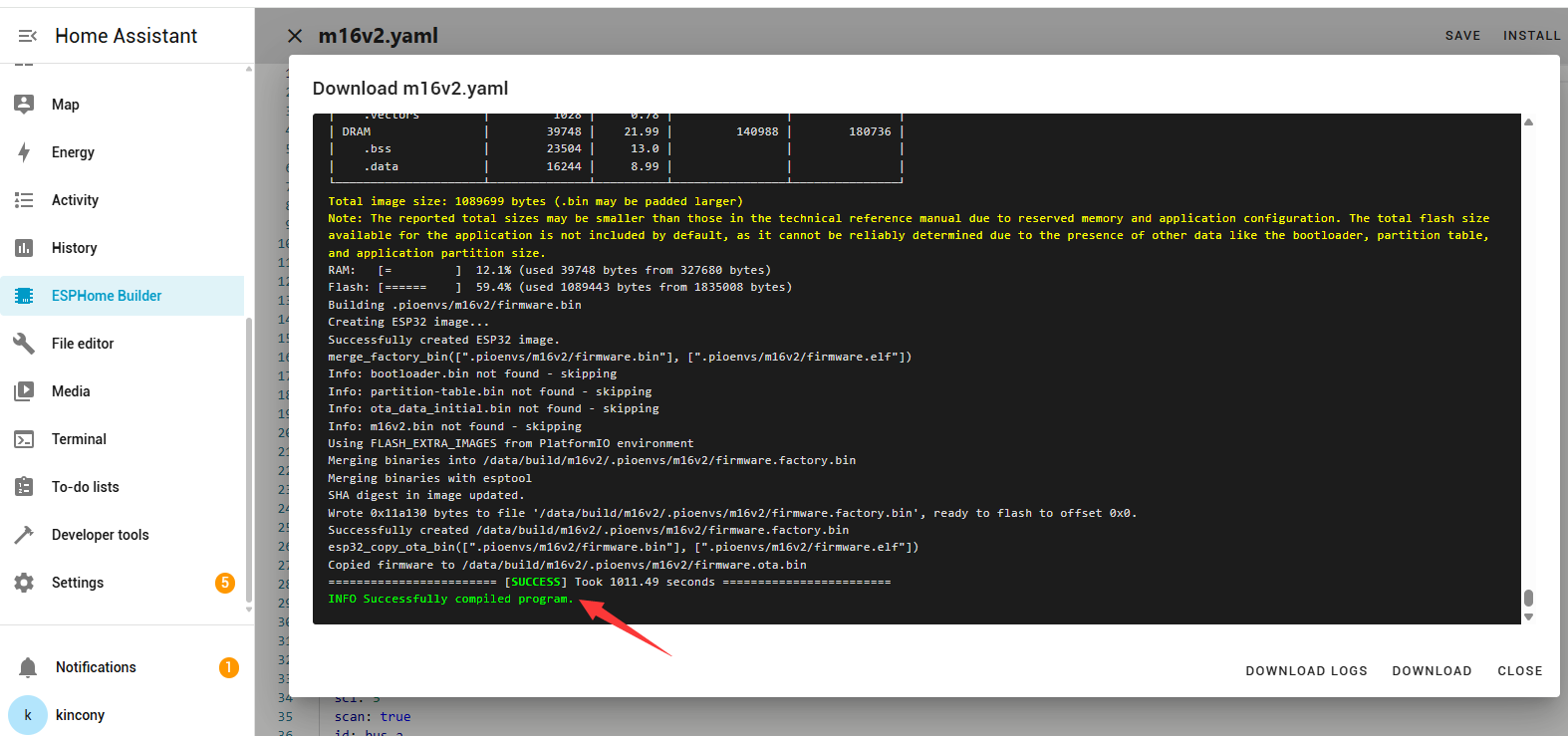
Code:
esphome:

  name: m16v2


esp32:

  board: esp32dev

  framework:

    type: arduino


external_components:

  - source:

      type: git

      url: https://github.com/hzkincony/esphome-zmpt101b

    refresh: 1min


# Enable logging

logger:


# Enable Home Assistant API

api:

  encryption:

    key: "D69bY/GXlmjYkovak6WIhgmbOH8vwyqvMxIHBriYoaY="


# Example configuration entry

ethernet:

  type: LAN8720

  mdc_pin: GPIO23

  mdio_pin: GPIO18

  clk_mode: GPIO17_OUT

  phy_addr: 0


i2c:

  sda: 4

  scl: 5

  scan: true

  id: bus_a


cd74hc4067:

  - id: cd74hc4067_1

    pin_s0: 32

    pin_s1: 33

    pin_s2: 13

    pin_s3: 16


web_server:

  port: 80


font:


  - file: "gfonts://Roboto"

    id: roboto

    size: 20


display:

  - platform: ssd1306_i2c

    model: "SSD1306 128x64"

    address: 0x3C

    lambda: |-

      it.printf(0, 0, id(roboto), "T: %.1f°C", id(temperature).state);

      it.printf(0, 20, id(roboto), "H: %.1f%%", id(humidity).state);

      it.printf(0, 40, id(roboto), "AC:%.1fV", id(voltage_1).state);


# Example configuration entry

sensor:

  - platform: zmpt101b

    name: "m16--AI zmpt 34"

    adc_pin: 34

    id: voltage_1

    unit_of_measurement: V

    accuracy_decimals: 1

    state_class: "measurement"

  - platform: zmpt101b

    name: "m16--AI zmpt 36"

    adc_pin: 36

    id: voltage_2

    unit_of_measurement: V

    accuracy_decimals: 1

    state_class: "measurement"

  - platform: zmpt101b

    name: "m16--AI zmpt 39"

    adc_pin: 39

    id: voltage_3

    unit_of_measurement: V

    accuracy_decimals: 1

    state_class: "measurement"


  - platform: sht3xd

    temperature:

      name: "sht Temperature"

      id: temperature

    humidity:

      name: "sht Humidity"

      id: humidity

    address: 0x44

    update_interval: 5s


  - platform: adc

    pin: 35

    id: adc35

    update_interval: never

    attenuation: 11db


  # - platform: adc

  #   name: "m16--AI-1"

  #   pin: 36

  #   id: adc36

  #   update_interval: 60s

  #   attenuation: 11db


  # - platform: adc

  #   pin: 34

  #   name: "m16--AI-2"

  #   id: adc34

  #   update_interval: 60s

  #   attenuation: 11db


  # - platform: adc

  #   pin: 39

  #   name: "m16--AI-3"

  #   id: adc39

  #   update_interval: 60s

  #   attenuation: 11db


  - platform: cd74hc4067

    id: ai1

    number: 0

    sensor: adc35

    update_interval: 60s


  - platform: cd74hc4067

    id: ai2

    number: 1

    sensor: adc35

    update_interval: 60s


  - platform: cd74hc4067

    id: ai3

    number: 2

    sensor: adc35

    update_interval: 60s


  - platform: cd74hc4067

    id: ai4

    number: 3

    sensor: adc35

    update_interval: 60s


  - platform: cd74hc4067

    id: ai5

    number: 4

    sensor: adc35

    update_interval: 60s


  - platform: cd74hc4067

    id: ai6

    number: 5

    sensor: adc35

    update_interval: 60s


  - platform: cd74hc4067

    id: ai7

    number: 6

    sensor: adc35

    update_interval: 60s


  - platform: cd74hc4067

    id: ai8

    number: 7

    sensor: adc35

    update_interval: 60s


  - platform: cd74hc4067

    id: ai9

    number: 8

    sensor: adc35

    update_interval: 60s


  - platform: cd74hc4067

    id: ai10

    number: 9

    sensor: adc35

    update_interval: 60s


  - platform: cd74hc4067

    id: ai11

    number: 10

    sensor: adc35

    update_interval: 60s


  - platform: cd74hc4067

    id: ai12

    number: 11

    sensor: adc35

    update_interval: 60s


  - platform: cd74hc4067

    id: ai13

    number: 12

    sensor: adc35

    update_interval: 60s


  - platform: cd74hc4067

    id: ai14

    number: 13

    sensor: adc35

    update_interval: 60s


  - platform: cd74hc4067

    id: ai15

    number: 14

    sensor: adc35

    update_interval: 60s


  - platform: cd74hc4067

    id: ai16

    number: 15

    sensor: adc35

    update_interval: 60s


  - platform: ct_clamp

    sensor: ai1

    id: Measured_Current_1

    name: "Measured Current-1"

    update_interval: 5s

    filters:

      - calibrate_linear:

          # Measured value of 0 maps to 0A

          - 0.0034 -> 0

          # Known load: 4.0A

          # Value shown in logs: 0.1333A

          - 0.31749 -> 8.95608


  - platform: template

    id: power1

    name: "power1"

    lambda: return id(Measured_Current_1).state * id(voltage_1).state;

    device_class: power

    unit_of_measurement: 'W'

    update_interval: 60s


  - platform: total_daily_energy

    name: "Total Daily Energy1"

    power_id: power1

    filters:

        - multiply: 0.001

    unit_of_measurement: kWh

    accuracy_decimals: 3

    icon: mdi:clock-alert

    device_class: energy


  - platform: ct_clamp

    sensor: ai2

    name: "Measured Current-2"

    update_interval: 60s

    filters:

      - calibrate_linear:

          # Measured value of 0 maps to 0A

          - 0 -> 0

          # Known load: 4.0A

          # Value shown in logs: 0.1333A

          - 0.31749 -> 8.95608


  - platform: ct_clamp

    sensor: ai3

    name: "Measured Current-3"

    update_interval: 60s

    filters:

      - calibrate_linear:

          # Measured value of 0 maps to 0A

          - 0 -> 0

          # Known load: 4.0A

          # Value shown in logs: 0.1333A

          - 0.31749 -> 8.95608


  - platform: ct_clamp

    sensor: ai4

    name: "Measured Current-4"

    update_interval: 60s

    filters:

      - calibrate_linear:

          # Measured value of 0 maps to 0A

          - 0 -> 0

          # Known load: 4.0A

          # Value shown in logs: 0.1333A

          - 0.31749 -> 8.95608


  - platform: ct_clamp

    sensor: ai5

    name: "Measured Current-5"

    update_interval: 60s

    filters:

      - calibrate_linear:

          # Measured value of 0 maps to 0A

          - 0 -> 0

          # Known load: 4.0A

          # Value shown in logs: 0.1333A

          - 0.31749 -> 8.95608


  - platform: ct_clamp

    sensor: ai6

    name: "Measured Current-6"

    update_interval: 60s

    filters:

      - calibrate_linear:

          # Measured value of 0 maps to 0A

          - 0 -> 0

          # Known load: 4.0A

          # Value shown in logs: 0.1333A

          - 0.31749 -> 8.95608


  - platform: ct_clamp

    sensor: ai7

    name: "Measured Current-7"

    update_interval: 60s

    filters:

      - calibrate_linear:

          # Measured value of 0 maps to 0A

          - 0 -> 0

          # Known load: 4.0A

          # Value shown in logs: 0.1333A

          - 0.31749 -> 8.95608


  - platform: ct_clamp

    sensor: ai8

    name: "Measured Current-8"

    update_interval: 60s

    filters:

      - calibrate_linear:

          # Measured value of 0 maps to 0A

          - 0 -> 0

          # Known load: 4.0A

          # Value shown in logs: 0.1333A

          - 0.31749 -> 8.95608


  - platform: ct_clamp

    sensor: ai9

    name: "Measured Current-9"

    update_interval: 60s

    filters:

      - calibrate_linear:

          # Measured value of 0 maps to 0A

          - 0 -> 0

          # Known load: 4.0A

          # Value shown in logs: 0.1333A

          - 0.31749 -> 8.95608


  - platform: ct_clamp

    sensor: ai10

    name: "Measured Current-10"

    update_interval: 60s

    filters:

      - calibrate_linear:

          # Measured value of 0 maps to 0A

          - 0 -> 0

          # Known load: 4.0A

          # Value shown in logs: 0.1333A

          - 0.31749 -> 8.95608


  - platform: ct_clamp

    sensor: ai11

    name: "Measured Current-11"

    update_interval: 60s

    filters:

      - calibrate_linear:

          # Measured value of 0 maps to 0A

          - 0 -> 0

          # Known load: 4.0A

          # Value shown in logs: 0.1333A

          - 0.31749 -> 8.95608


  - platform: ct_clamp

    sensor: ai12

    name: "Measured Current-12"

    update_interval: 60s

    filters:

      - calibrate_linear:

          # Measured value of 0 maps to 0A

          - 0 -> 0

          # Known load: 4.0A

          # Value shown in logs: 0.1333A

          - 0.31749 -> 8.95608


  - platform: ct_clamp

    sensor: ai13

    name: "Measured Current-13"

    update_interval: 60s

    filters:

      - calibrate_linear:

          # Measured value of 0 maps to 0A

          - 0 -> 0

          # Known load: 4.0A

          # Value shown in logs: 0.1333A

          - 0.31749 -> 8.95608


  - platform: ct_clamp

    sensor: ai14

    name: "Measured Current-14"

    update_interval: 60s

    filters:

      - calibrate_linear:

          # Measured value of 0 maps to 0A

          - 0 -> 0

          # Known load: 4.0A

          # Value shown in logs: 0.1333A

          - 0.31749 -> 8.95608


  - platform: ct_clamp

    sensor: ai15

    name: "Measured Current-15"

    update_interval: 60s

    filters:

      - calibrate_linear:

          # Measured value of 0 maps to 0A

          - 0 -> 0

          # Known load: 4.0A

          # Value shown in logs: 0.1333A

          - 0.31749 -> 8.95608


  - platform: ct_clamp

    sensor: ai16

    name: "Measured Current-16"

    update_interval: 60s

    filters:

      - calibrate_linear:

          # Measured value of 0 maps to 0A

          - 0 -> 0

          # Known load: 4.0A

          # Value shown in logs: 0.1333A

          - 0.31749 -> 8.95608


time:

  - platform: sntp

    id: my_time
tested with newest esphome: