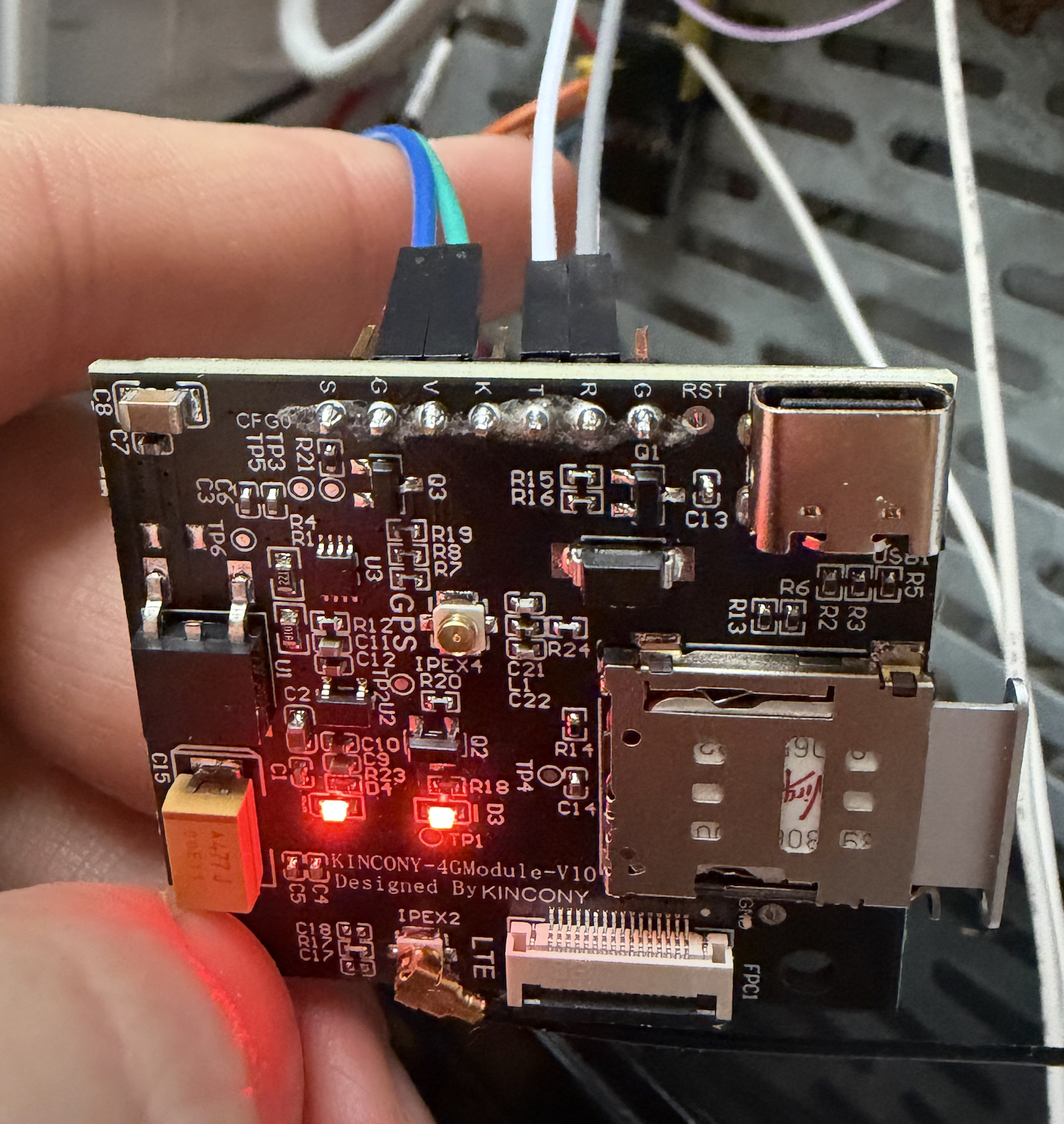
Hi. Module working connected directly to PC via Uart Assistant tool.
But can't call via a16v3 board. Connected to GPIO40 - RX and GPIO41-TX as you maintained in previous comment. Configured as on
https://www.kincony.com/forum/showthread...t=sim7600e
Log:
14:27:53 [D] [binary_sensor:047] 'Call Button': ON
14:27:53 [D] [uart_debug:157] >>> "ATD607....;\r\n"
14:27:53 [D] [uart_debug:157] <<< "ATD607....;\r\n"
14:27:57 [D] [binary_sensor:047] 'Call Button': OFF
14:28:02 [D] [binary_sensor:047] 'Call Button': ON
14:28:02 [D] [uart_debug:157] >>> "ATD607....;\r\n"
14:28:02 [D] [uart_debug:157] <<< "ATD607....;\r\n"
14:28:07 [D] [binary_sensor:047] 'Call Button': OFF
Configuration:
# UART configuration for SIM7600E
uart:
id: uart_2
tx_pin: GPIO41
rx_pin: GPIO40
baud_rate: 115200
debug:
direction: BOTH
dummy_receiver: true
after:
timeout: 10ms
sequence:
- lambda: UARTDebug::log_string(direction, bytes);
- platform: gpio
name: "Call Button"
on_press:
then:
- uart.write:
id: uart_2
data: "ATD607....;\r\n" # Replace with the phone number you want to dial
pin:
pcf8574: pcf8574_hub_extra
number: 3
mode: INPUT
inverted: true
- platform: gpio
name: "Send SMS Button"
on_press:
then:
- uart.write:
id: uart_2
data: "AT+CMGF=1\r\n" # Set SMS to text mode
- delay: 1s
- uart.write:
id: uart_2
data: "AT+CMGS=\"607....\"\r\n" # Replace with the recipient's phone number
- delay: 1s
- uart.write:
id: uart_2
data: "KinCony-SMS-Sensor\x1A" # Send the message "KinCony-SMS-Sensor" and terminate with Ctrl+Z
pin:
pcf8574: pcf8574_hub_extra
number: 4
mode: INPUT
inverted: true